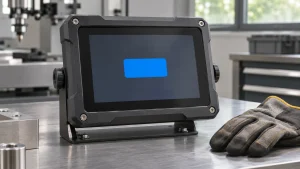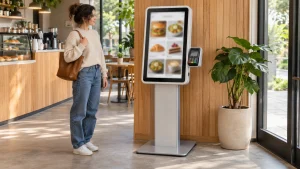
Frank Mayer's self-service kiosk pricing guide, updated September 2025, puts a pre-engineered self-service kiosk at $2,000 to $5,000. That is one U.S. supplier's planning range, not a market average or an installed price. A station that checks in a visitor and one that takes a restaurant order and payment can look similar while requiring different hardware, software, and support.
Use the equipment price to set a starting budget. To compare quotes, specify what each customer must be able to do at the kiosk, then price the same setup and operating term with both suppliers. If you are still deciding between countertop and floor-standing equipment, start by comparing self-service kiosk formats.
Key Takeaways
- Treat published kiosk prices as examples for specific configurations. Confirm what the hardware price includes before using it in a budget.
- Start with the customer's task. Price card readers, scanners, and printers only where the workflow needs them.
- Separate what you pay to launch from what you pay per device, per site, or per transaction. Compare both quotes over the same term and count bundled items once.
Start with a scoped hardware budget
Ask for the price of one configured kiosk before multiplying it by your device count. Write down the form factor, screen size, mounting, and whether the computer is included. A quote for a touchscreen and enclosure cannot be compared directly with a quote that also includes a stand, computer, and payment reader.
The Howard Company's restaurant kiosk guide, an undated page checked November 11, 2026, estimates about $2,000 to $3,000 in hardware for countertop or floor-standing restaurant units. The guide discusses site prep, installation, and point-of-sale (POS) integration separately. Howard's restaurant scope is narrower than Frank Mayer's pre-engineered range; the overlap does not tell you what a particular kiosk should cost.
One named product makes the distinction clearer. The U.S. Square Kiosk product page, checked November 11, 2026, listed $1,999 for the 21.5-inch kiosk with a counter stand and $99 per device per month for software with Square Plus. Square says the stand choice changes the hardware total and that using this model requires an active Square Plus or Premium subscription. The device fee is not a quote for the entire platform subscription. These figures apply to that model, not the iPad-based Square Kiosk Lite.
List the specific parts you expect to receive. If you are sourcing the screen separately, narrow your commercial touchscreen options before asking for an enclosure or mount. Have the bidder confirm whether the display and computer are included, and which parts your team would need to buy or supply.
Define the transaction before pricing peripherals
Write down how the customer starts, what they enter or scan, and what confirms the transaction is complete. The last step often settles whether you need a printer, an on-screen confirmation, or a handoff to another system.
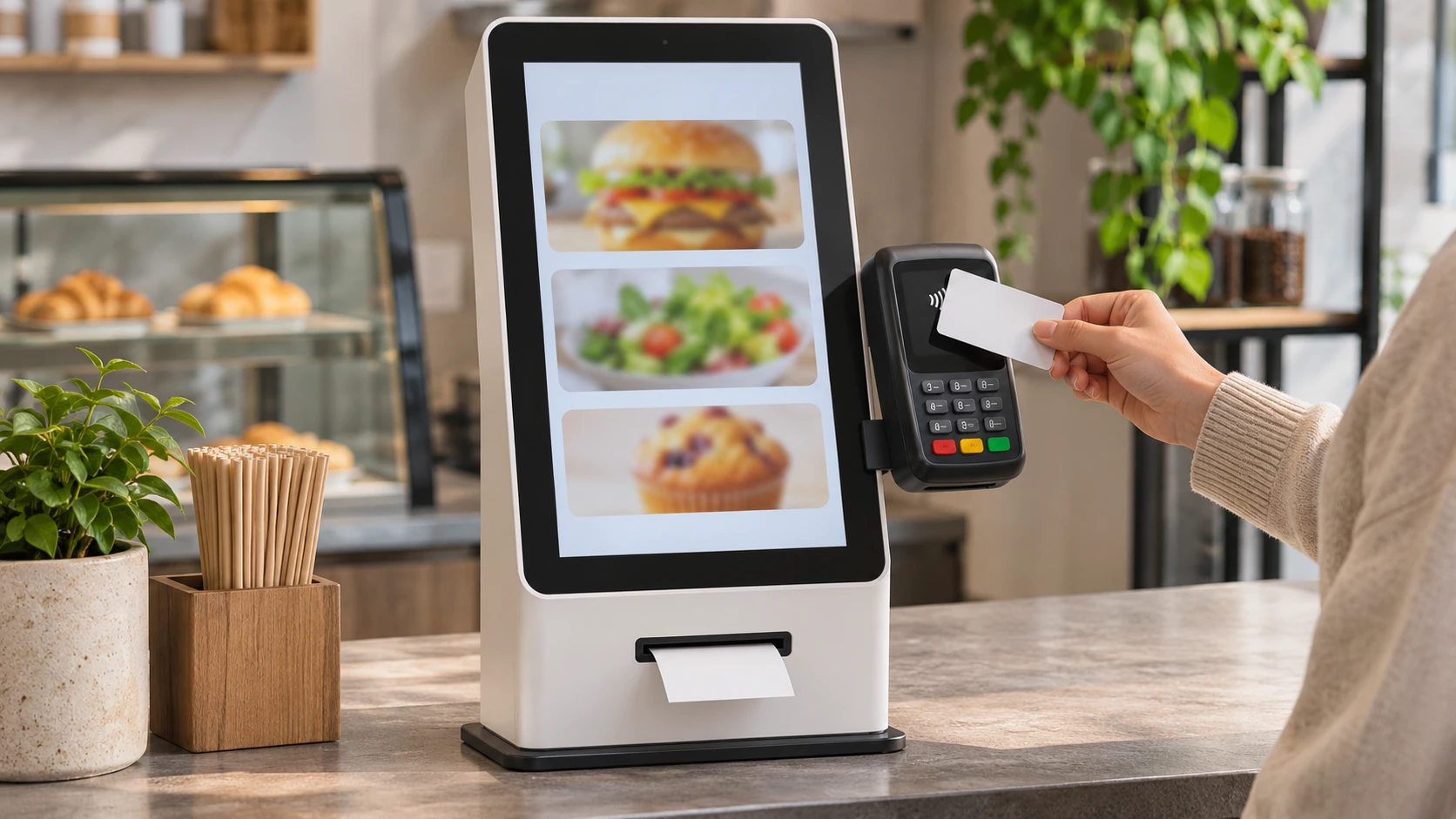
- Check-in: If visitors type their name and receive an on-screen confirmation, leave the printer off the list. If staff need visitors to wear badges, ask for the printer, labels, and label supply cost as separate lines.
- Scan and confirm: Specify what the kiosk needs to read, such as a QR code on a phone or a barcode on a paper ticket. Ask the supplier to demonstrate it using a representative sample before approving the scanner.
- Order and pay: If customers will pay by card at the kiosk, confirm that the quoted reader works with the proposed POS and payment setup. If guests pay at a staffed counter instead, don't add a kiosk payment reader by default. An order may need to reach a kitchen screen without the kiosk itself printing anything.
Olea's guide to self-service kiosk pricing explains how peripherals and field support can change the equipment and service scope. Use the completed customer task as a check on the quote: if a guest can pay but their order never reaches the kitchen, the bid still leaves out a necessary part of the workflow.
Separate deployment from recurring costs
Use three buckets: one-time costs to get the kiosk working, fixed charges to keep it available, and variable costs tied to use. Otter's restaurant kiosk cost guide makes the same distinction between upfront expenses, monthly fees, and payment processing. Give periodic items, such as warranty renewals, their own due dates rather than assuming they are included every month.
What you pay to launch
Ask who pays for freight, who prepares the site, and who installs the equipment. Electrical and network work is different from mounting and connecting a unit at a ready site. Put POS setup, menu or check-in configuration, and testing on the one-time list if the quote bills them only at launch. If a connector has an ongoing fee as well, put that fee on the recurring list.
When a proposal says “installation included,” check what a crew will do on arrival. If the quote assumes a working outlet and network connection at each position, the installer’s fee doesn't cover putting them there. Budget that work separately if the site is not ready.
What you pay after launch
Confirm the billing unit for software and support. A license can be priced per device while a separate plan is priced per site. For a bundle, ask how many kiosks it covers and whether it includes software updates, remote support, and on-site labor. Olea lists warranties, spares, and field service as distinct decisions. Ask who pays for travel or replacement parts if a device needs repair outside the included coverage.
Put card processing and supplies on the variable list when they apply. If a processing quote uses a percentage plus a fixed fee, you need both the dollar volume and the number of payments. If the kiosk prints receipts or badges, estimate supplies from the expected print count. Keep a purchase price and a rental charge out of the same hardware total unless the contract actually calls for both, such as a rental with an end-of-term buyout you intend to exercise.
Compare two quotes on the same basis
Send both bidders the same device count, site requirements, POS connection, and service expectations. Then compare their cash costs over the same number of months. BestKiosk's five-year ownership model shows why the basis matters: subscriptions can scale with device count, connectivity with sites, and processing with transaction volume. In your worksheet, mark each required item as included, extra, or unpriced. A required but unpriced line makes the total incomplete, not cheaper.
A worked example for one location
Suppose a restaurant requests two indoor countertop kiosks with touchscreens and card readers, connected to its existing POS. It needs neither a printer nor a scanner. Both hypothetical quotes cover the same installation, setup, and support. The comparison uses 36 months of unchanged fees and 1,000 card payments a month across both kiosks combined, averaging $15 each, or $15,000 in monthly card sales. These numbers illustrate the calculation; they are not market rates. The example excludes taxes and any repairs or replacement outside the quoted coverage.
Quote A: Pay for software per device
- Upfront: $3,800. Two kiosks at $1,600 each, plus $600 for site deployment and setup.
- Fixed monthly charges: $140. Two $50 device licenses plus a $40 site fee for platform access and support.
- Monthly processing: $525. The 2.5% charge on $15,000 is $375. The $0.15 fee on 1,000 payments adds $150.
- 36-month total: $27,740. Add $3,800 upfront to 36 months at $665.
Quote B: Pay one bundled fee per site
- Upfront: $2,400. Two kiosks at $900 each, plus $600 for site deployment and setup.
- Fixed monthly charges: $210. The site bundle already covers both licenses, platform access, and support. Do not add a second license or support charge.
- Monthly processing: $540. The 2.6% charge on $15,000 is $390. The $0.15 fee on 1,000 payments adds $150.
- 36-month total: $29,400. Add $2,400 upfront to 36 months at $750.
Quote B costs $1,400 less upfront but $1,660 more over 36 months at the stated volume and rates. If you leave processing out of both totals, Quote A comes to $8,840 and Quote B to $9,960. When the kiosk merely shifts purchases from a staffed counter, compare the difference between the new and existing payment costs. The full kiosk processing bill is not necessarily new spending.
Before you choose a bid, ask the supplier to confirm every missing price and every inclusion in writing. For a project that also includes passive menu or wayfinding screens, keep those outside the transaction kiosk budget and price them separately with the digital signage cost guide.