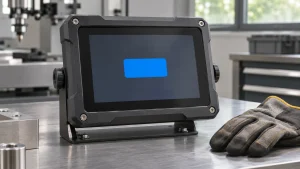
A resistive touchscreen registers pressure. A projected capacitive touchscreen, usually called PCAP, detects a change in capacitance near the surface. For a machine operator who taps large controls with a thick work glove, a conventional resistive panel is a sensible first sample. For a bare-finger interface built around swipes or multiple contacts, PCAP is usually the better starting point. Neither choice is a substitute for checking the finished device.
This comparison is about common resistive screens and projected capacitive screens, not every type of capacitive sensor. The decision depends on what contacts the screen, what the application expects, and what the selected controller and enclosure can handle.
Key Takeaways
- Start with resistive when a thick glove or blunt, nonconductive stylus must make simple selections, then verify the needed pressure and response.
- Start with PCAP when light finger input and multi-touch gestures are central to the task. Certain PCAP configurations can also support specified gloves or moisture conditions.
- Water rejection describes touch behavior. An ingress rating describes protection of the assembly under its stated conditions. Ask about both when relevant.
- Compare the panel, controller, cover, host, and application as a system. Approve a sample using the actual input tools and work conditions.
The difference that matters at the point of touch
A conventional resistive sensor has conductive layers separated by a small gap. Pressing the top surface makes them meet; the controller uses an electrical reading to find the position. Since pressure causes the contact, a compatible glove or blunt stylus can work even if the tool itself is nonconductive. The interface still needs usable target sizes and a comfortable activation force.
A PCAP sensor uses a pattern of electrodes to detect changes in capacitance. It does not need that flexible top layer to press into a second layer. A compatible finger or input tool changes the signal near the sensor, and the controller estimates the contact position. DigiKey's comparison and Newhaven Display's touch technology guide explain the sensing difference. The controller and sensor construction matter as much as the label on the datasheet.
Choose for the user's input and environment
Gloves and styluses. For thick or nonconductive gloves and simple taps, resistive is a good first candidate. It does not guarantee every glove will feel comfortable on small targets or that every stylus is safe for the surface. PCAP can support specified gloves with the right design and tuning; Contec's industrial comparison gives examples of controller tuning for gloved touch. Ask which glove material, thickness, and tool were tested on the proposed sample. Do not treat a general “glove mode” setting as proof it works with your protective equipment.
Water and cleaning. Moisture on a capacitive surface can affect the touch signal and cause false or missed contacts. An Infineon design whitepaper treats the cover lens, glove use, and water tolerance as design variables. Microchip's maXTouch controller documentation describes water and glove capabilities for its own product family. Those are not ratings for every monitor containing a capacitive sensor.
Ask two different questions: Will the assembly resist ingress under the specified conditions? And will the interface accept the intended touches without false input in those conditions? A claim that a controller rejects false touches does not tell you which deliberate taps remain usable. Confirm the behavior you need, and use only the manufacturer's approved cleaning and evaluation procedures.
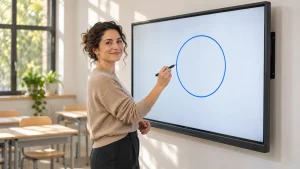
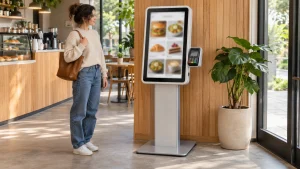
Light touch and gestures. PCAP is a strong candidate for a public self-service kiosk with bare-finger scrolling or for an application that needs multiple simultaneous touches. Common resistive designs are used for single-contact actions, but the technology name is not a substitute for the controller's reported contact count. A reported contact count is not proof that your software understands the gesture. If a teaching or conference display needs two people to write at once, test that specific action and the intended pens.
Surface and visibility. Resistive designs need a surface that can deflect at the contact. A PCAP design can sense through a cover, but cover thickness and the sensor stack change the signal. Look at the assembled unit in the intended light. Glare, readability, reach, and the force needed to select a control are more useful acceptance questions than a broad claim that one family is always more accurate or more durable.
Compare installed cost and service
Compare quotes for the whole input system. A lower-priced sensor may still need a controller board, a different bezel, a new driver or touch profile, or changes to the host application. A higher-priced assembly may include a cover and controller you would otherwise buy separately. Ask which parts are included and whether you can buy the touch assembly or controller as a spare.
For a retrofit, check the cutout, mounting depth, interface to the host, and the approved replacement procedure. If you are comparing commercial touch display options, get both suppliers to quote the same screen size, environmental requirements, input tools, and service scope. Do not use a panel-only price or a manufacturer's touch-life figure to predict the service life of a different finished unit.
Test the exact configuration before specifying it
Take the production application, the intended gloves or stylus, and an actual sample of each candidate to a supervised evaluation. Keep the host, application layout, and test actions consistent where possible. Record the panel and controller model, firmware or touch profile, cover and mount, input tools, and conditions. A change to any of those can make a previous result less useful.
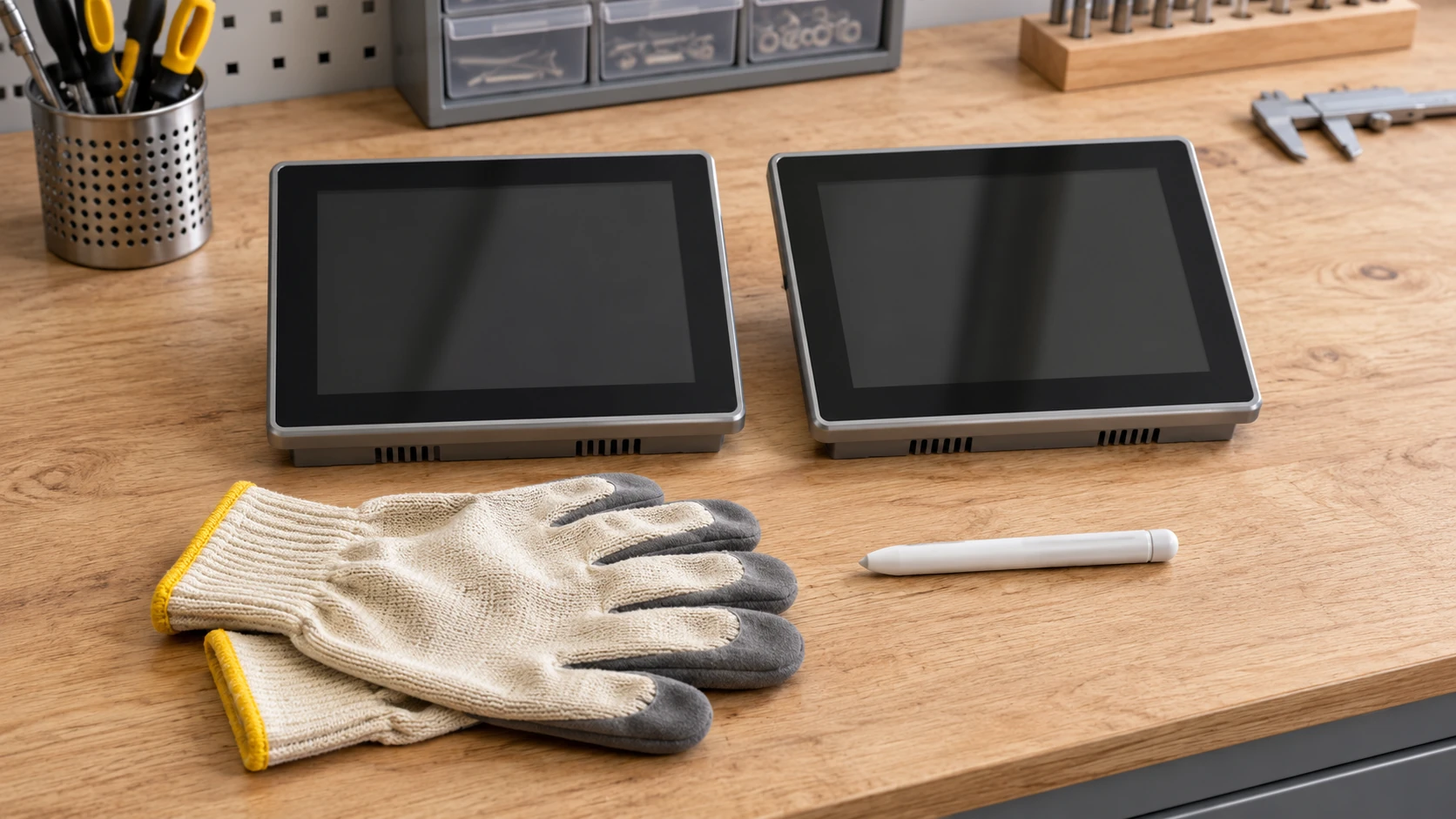
Set acceptance criteria around the job:
- Selection: Repeat ordinary taps and controls near the edges. Record missed touches, false inputs, and any need to press harder or try again.
- Movement: Drag a control or enter a sequence. If gestures are required, verify them in the actual app rather than only in a controller demo.
- Conditions: Evaluate with the real work glove and approved surface condition. Do not put liquid on powered equipment as an improvised test; use the supplier's documented method and a suitable approved sample.
- Recovery: Check the application's behavior after reconnect or restart. Confirm what happens when a contact is ambiguous or a touch is rejected.
For example, an indoor station that only accepts large, gloved taps may pass comfortably with a resistive sample. Another station may need bare-finger scrolling and a specified glove for maintenance, making a suitably tuned PCAP sample worth comparing. These are selection examples, not test outcomes. Choose the least complicated assembly that passes the actual task, environmental, and service requirements.