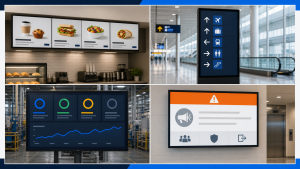
The short answer: a simple indoor, single-screen setup may be planned in the hundreds to low thousands of dollars for year one, while a purpose-built commercial installation commonly moves into the low thousands per screen. Outdoor enclosures, touch kiosks, video walls, direct-view LED, structural work, and multi-site management should be quoted as projects—not estimated from a generic “cost per screen.”
Those bands are planning aids, not market prices. Public cost guides use different screen sizes, hardware grades, installation assumptions, dates, and software packages. If two articles produce very different numbers, the disagreement is often in the scope rather than the arithmetic.
- Identify the kind of sign.
- Choose a planning level.
- Build a three-year total cost of ownership (TCO).
- Normalize vendor quotes to the same scope.
First, define what you are pricing
“Digital sign” can describe several systems whose prices are not directly comparable:
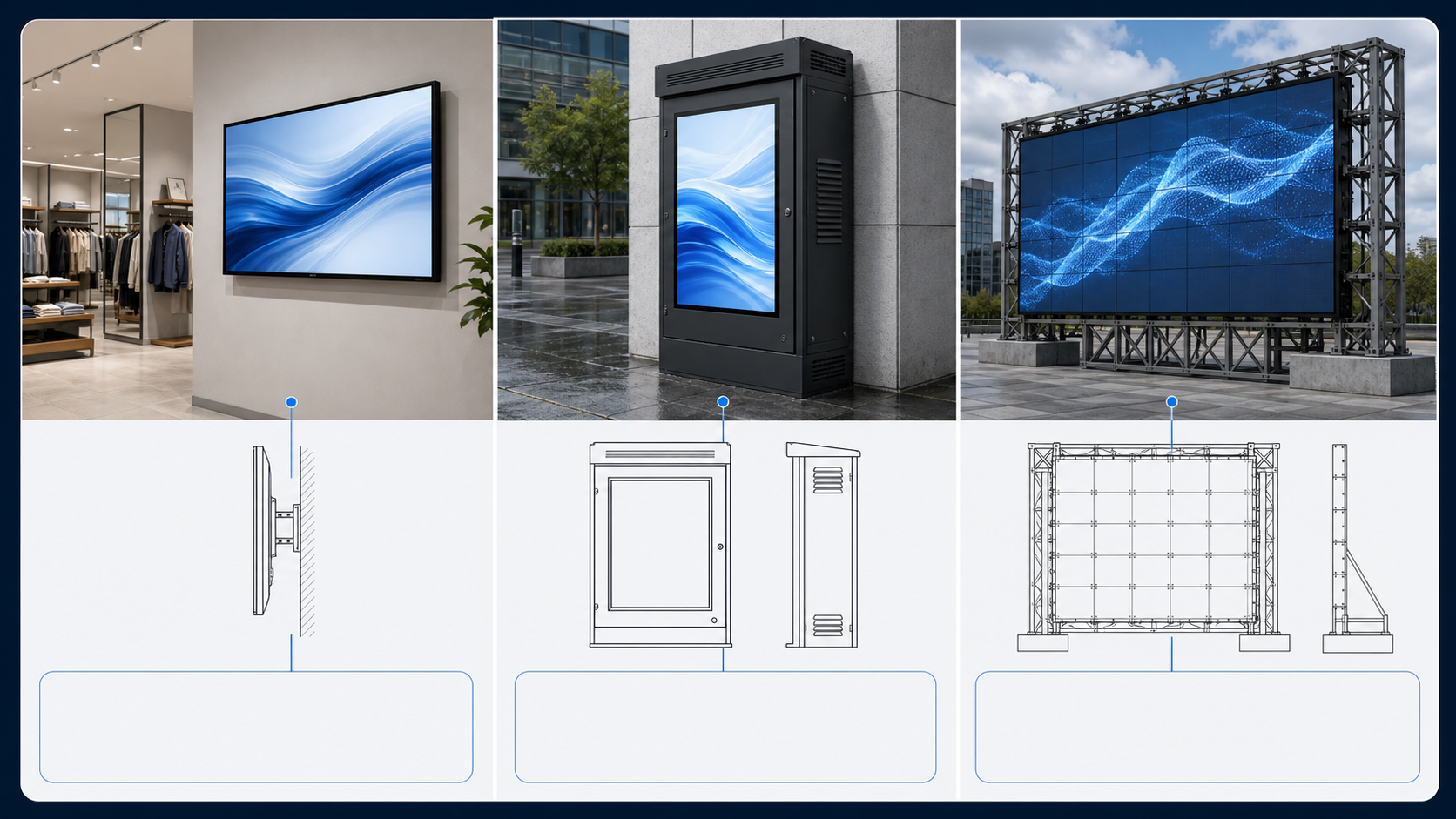
- Indoor flat-panel signage: an LCD display or TV on a wall, usually with a media player or an embedded signage platform.
- Outdoor enclosed LCD: a high-brightness display with weather protection, thermal management, a structural mounting method, and outdoor-rated power and data work.
- Direct-view LED or an electronic marquee: modular LED cabinets or a purpose-built roadside sign, often priced by size, pixel pitch, structure, access, and permitting.
- Interactive kiosk: a display plus touch, enclosure, computer, peripherals, accessibility considerations, and application software.
- Video wall: multiple synchronized displays or LED modules, with mounting precision, signal distribution, calibration, and service access.
If your question is “How much does a 4 × 8 digital sign cost?”, first identify whether 4 × 8 describes a cabinet, an LED message center, an LCD enclosure, or simply the visible area. A square-foot figure from one category should not be transferred to another.
A 60-second budgeting answer
| Planning level | Typical conditions | Year-one planning band | What may be excluded |
|---|---|---|---|
| Lean indoor pilot | One consumer TV or entry display; wall mount; low-cost player; self-managed content; ordinary indoor location. | About $500–$1,500 per screen | Electrical/data work, custom content, commercial-use warranty, tax, shipping, ongoing staff time. |
| Standard commercial screen | Commercial display; rated operating schedule; professional mount and installation; player or SoC; CMS; basic commissioning. | About $1,800–$3,500 per screen | Complex cabling, content production, integrations, permits, multi-year support, difficult access. |
| Complex or engineered system | Outdoor, high-brightness window, touch kiosk, video wall, dvLED, structural work, regulated or multi-site deployment. | Quote as a project | Never assume a generic per-screen range includes engineering, enclosure, site work, or service. |
These bands synthesize the scopes visible across current supplier cost guides, including planning ranges published by OptiSigns, REACH, and CrownTV. They deliberately use broad boundaries because a narrow range without a defined scope creates false precision.
What belongs in a complete digital signage budget?
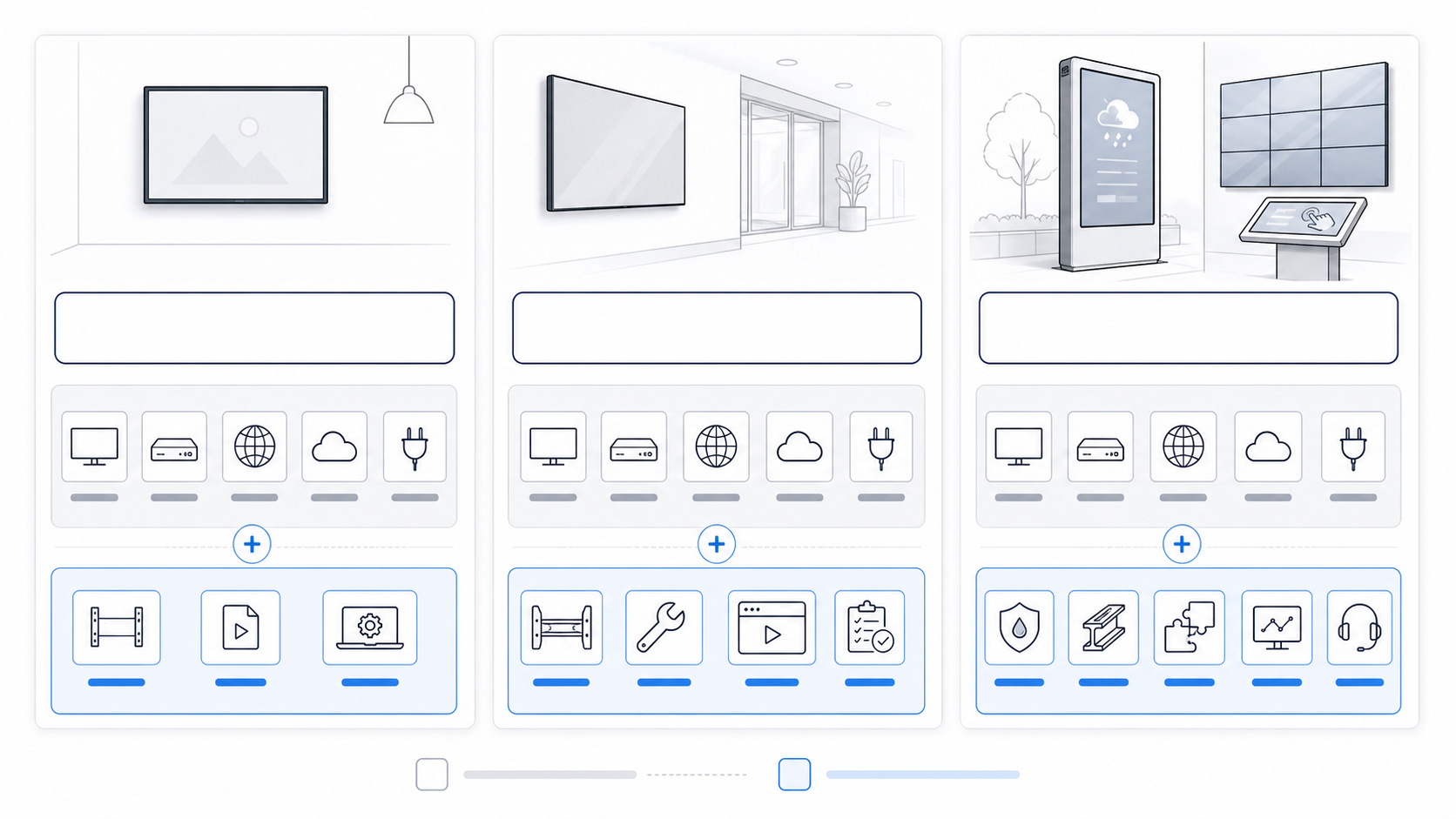
The display
Screen size, brightness, operating schedule, portrait support, commercial-use warranty, environmental rating, and touch capability can all change the price. Compare the data sheet for the exact model. “Commercial” and “consumer” are useful starting categories, not substitutes for specifications.
The player—or the system inside the display
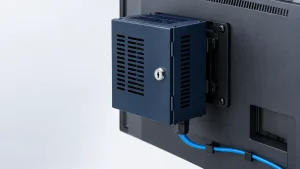
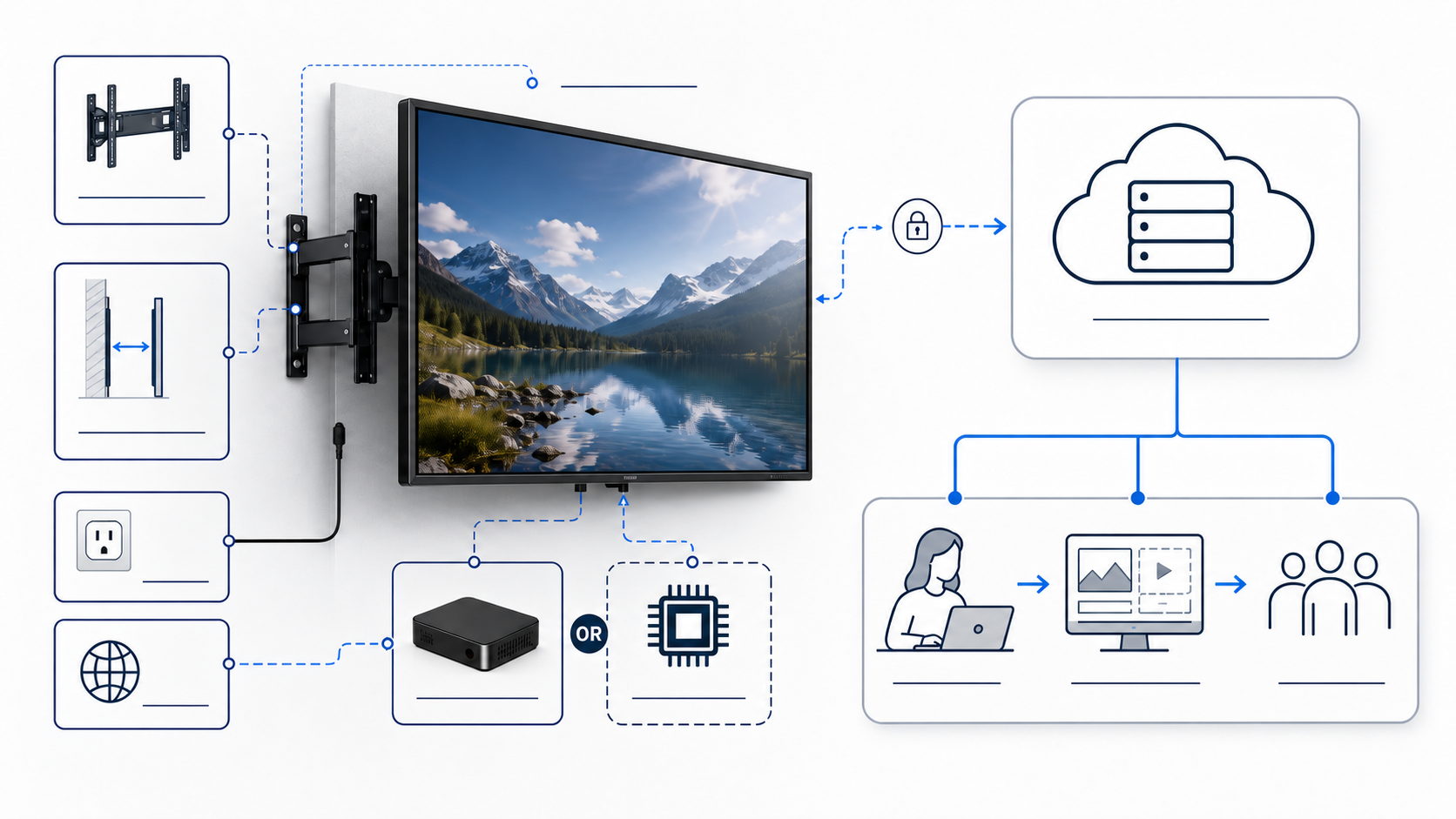
A separate player may cost from roughly a small streaming-device budget to several hundred dollars for a managed commercial unit. Some displays include a system-on-chip (SoC) that can run compatible signage software without an external box. Confirm the required storage, operating system, codec support, security update policy, and offline playback behavior.
Mounting, power, data, and installation
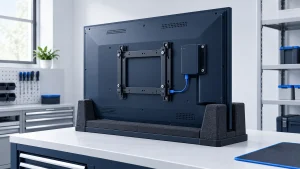
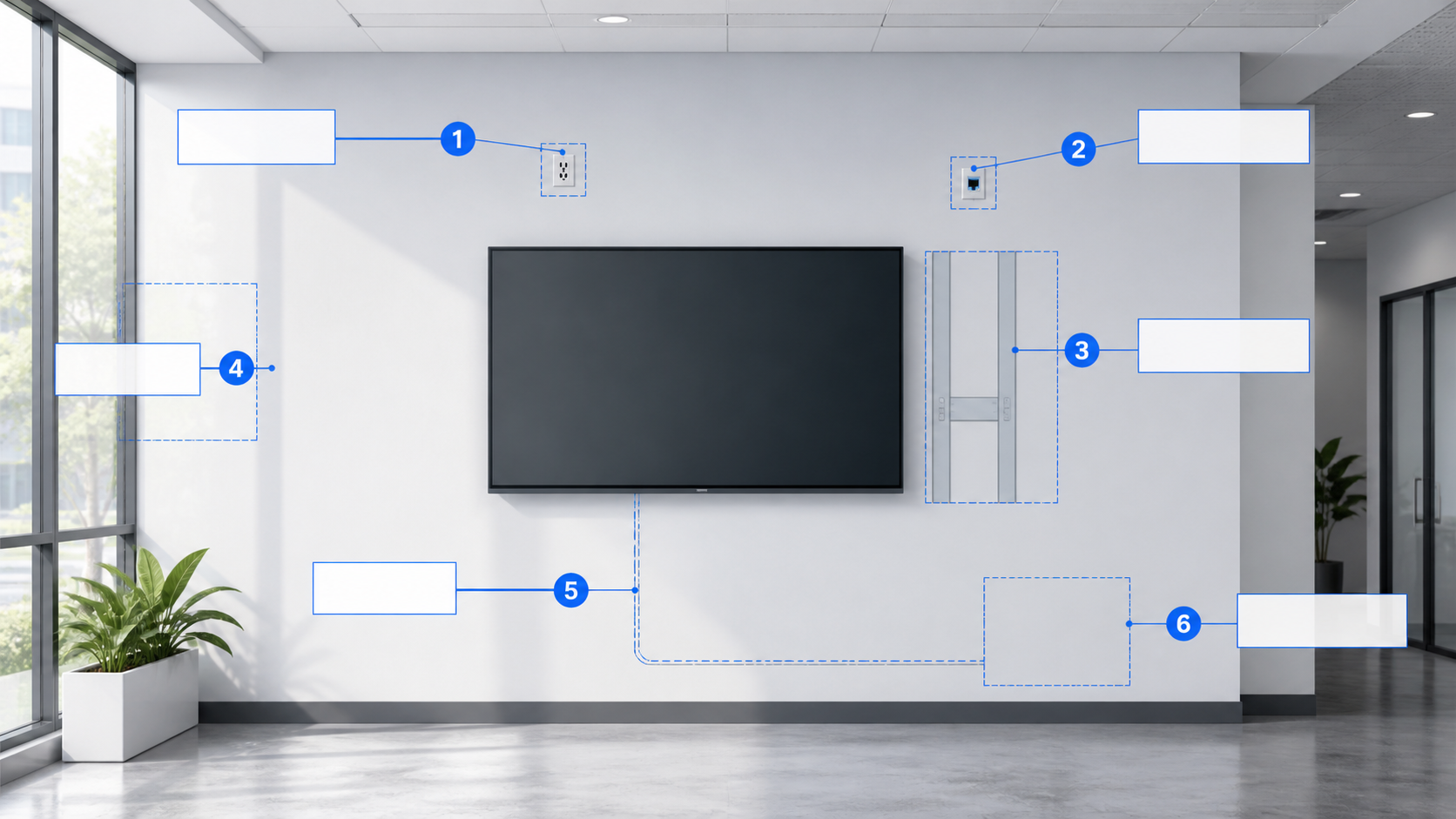
A basic mount on a prepared wall is not the same job as a ceiling suspension, recessed installation, high lift, glass mounting, outdoor foundation, or video-wall structure. The budget may also need a new electrical outlet, a network drop, cable concealment, wall reinforcement, permits, equipment rental, travel, and after-hours work.
Software
Cloud CMS plans are often billed per screen per month, although vendors may also charge by location, feature tier, storage, users, or support level. Check whether device management, proof of playback, emergency messaging, integrations, single sign-on, and premium support are included.
Content and the people who maintain it
Templates may reduce the initial design cost, but someone still needs to collect information, approve changes, format assets, schedule campaigns, remove expired messages, and verify the screen. For many organizations, that operating time is more important than the first template fee.
Support, spares, and replacement
Include warranty coverage, help-desk scope, on-site service, spare players or screens, shipping for replacements, and the cost of downtime. A non-critical staff-room screen and an airport wayfinding display should not carry the same service strategy.
Separate per-screen, shared, and recurring costs
| Cost behavior | Examples | Why it matters |
|---|---|---|
| Per screen | Display, player, mount, device license, basic installation labor. | Usually scales with screen count, but volume discounts may apply. |
| Shared by site or network | Site survey, project management, network design, creative template, integration, training. | Dividing these by one screen exaggerates later-screen cost; omitting them understates the pilot. |
| Recurring | CMS, connectivity, content updates, support, monitoring, energy, replacement reserve. | A small monthly figure becomes material across many screens and years. |
| Conditional | Permits, lifts, structural engineering, outdoor enclosures, custom applications, accessibility work. | These require site-specific confirmation and should not be hidden in an “average.” |
Build a three-year total cost of ownership
3-year TCO = upfront equipment + shared project costs + installation + 36 × monthly operating costs + 3 × annual support/replacement reserve
Use the same time horizon for every proposal. If one quote includes three years of software and support while another shows only the equipment purchase, their bottom-line totals are not comparable.
A worked example—not a quotation
Assume a two-screen indoor project uses two $900 displays, two $200 players, two $100 mounts, $350 installation per screen, and $300 in shared site work. Software is $20 per screen per month. Initial content setup is $600, ongoing content work is budgeted at $100 per month, and the support/replacement reserve is $300 per year.
| Equipment | (2 × $900) + (2 × $200) + (2 × $100) | $2,400 |
|---|---|---|
| Installation and shared site work | (2 × $350) + $300 | $1,000 |
| Software for 36 months | 2 × $20 × 36 | $1,440 |
| Content | $600 + ($100 × 36) | $4,200 |
| Support/reserve | $300 × 3 | $900 |
| Illustrative three-year TCO | $9,940 |
The lesson is not that your project will cost $9,940. It is that a low monthly content or software figure can outweigh the player price over time—and that every assumption is visible and editable.
Costs that are often discovered too late
- Power: Is a code-compliant outlet available at the final screen location?
- Network: Is Wi-Fi adequate, or is a wired connection or cellular service required?
- Mounting surface: Can the wall or structure safely carry the display and mount?
- Access: Can a technician remove the player or display without dismantling finished architecture?
- Ambient light: Does the display need higher brightness or glare control?
- Content migration: Who converts existing material into screen-ready layouts?
- Integrations: Are menu, inventory, calendar, dashboard, POS, or emergency systems in scope?
- Governance: Who can publish, approve, and override content?
- Freight and handling: Are lift-gate service, inside delivery, storage, or staging included?
- Taxes, permits, and travel: Are they included, excluded, or still unknown?
When DIY is reasonable—and when it is not
A DIY pilot can be rational when the screen is indoors, easy to reach, mounted using an appropriate existing structure, used for non-critical information, and managed by someone who understands the content and device. Repurposing an existing screen can be a low-cost way to test whether the communication idea is useful.
Professional assessment becomes more important for outdoor installations, high or heavy equipment, new electrical work, public areas, complex structures, video walls, touch kiosks, or any screen whose failure could affect safety or essential operations. Do not treat an online cost guide as installation or electrical instruction.
How to compare digital signage quotes
Ask every supplier to fill the same comparison table:
- Exact display and player model numbers.
- Screen quantity, size, orientation, brightness, and rated operating schedule.
- Mounting hardware, electrical/data work, cable concealment, and commissioning.
- Software billing unit, feature tier, contract term, price increases, and optional add-ons.
- Content templates, migration, ongoing updates, and approval workflow.
- Warranty terms for the intended commercial use and installation orientation.
- Remote monitoring, support hours, on-site service, and response targets.
- Freight, taxes, permits, travel, and any customer-provided items.
- Assumed project timeline and site readiness.
- Three-year total using the same quantities and term.
Frequently asked questions
Can I use a regular TV for digital signage?
Yes, particularly for a low-risk indoor pilot with limited daily use. Check the TV’s operating guidance, orientation, brightness, app/player compatibility, and warranty for the intended use. A commercial display is easier to justify when runtime, visibility, remote control, warranty, or failure consequences matter.
Is there free digital signage software?
There are free tiers and open-source options, but “free” may exclude hosting, a player, support, remote device management, premium apps, or the staff time required to maintain the system. Compare the full workflow, not only the license fee.
What is the biggest hidden cost?
It varies. Site work can dominate a difficult installation; content operations can dominate a simple multi-year deployment. The biggest planning mistake is treating the screen purchase as the complete system cost.
Should I calculate cost per screen?
Use it only after separating shared and conditional costs. A per-screen number is useful for scaling similar locations, but misleading when the first screen carries site survey, template, integration, or project-management work.