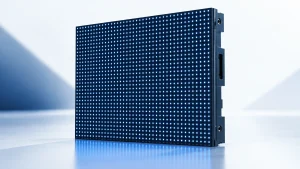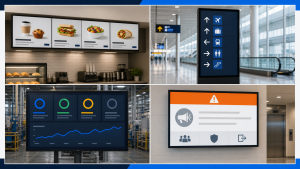
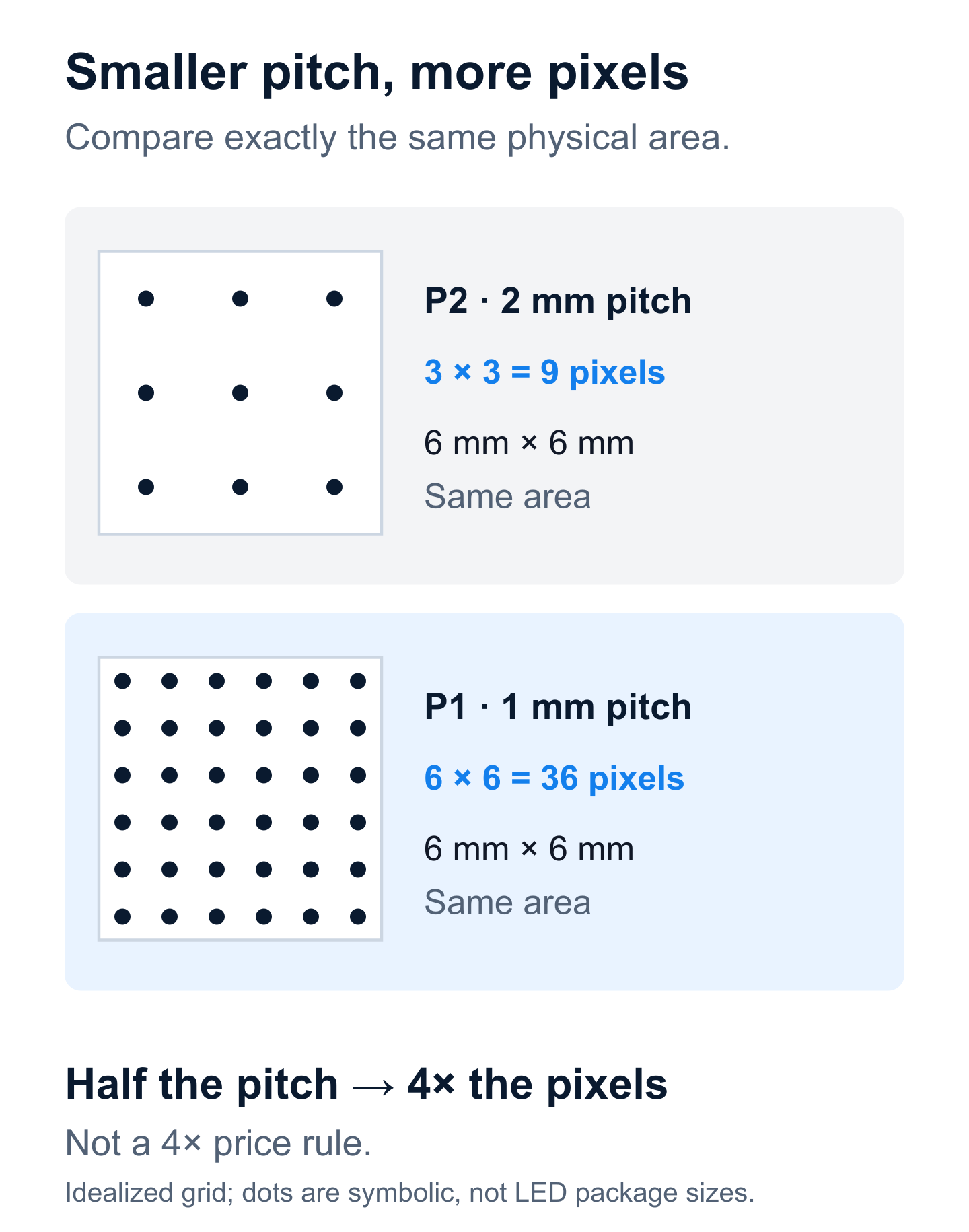
Pixel pitch is the center-to-center distance between adjacent LED pixels, measured in millimeters. A smaller pitch puts more pixels into the same wall area. To choose it, start with your closest viewer, the detail in your content, and the wall’s actual pixel count—not a “4K input” label or a viewing-distance rule alone.
A lobby video, a spreadsheet, and a camera backdrop can need different specifications even when their viewers stand equally far away. This guide separates those requirements so you can narrow your options and test the right things.
What pixel pitch tells you—and what it does not
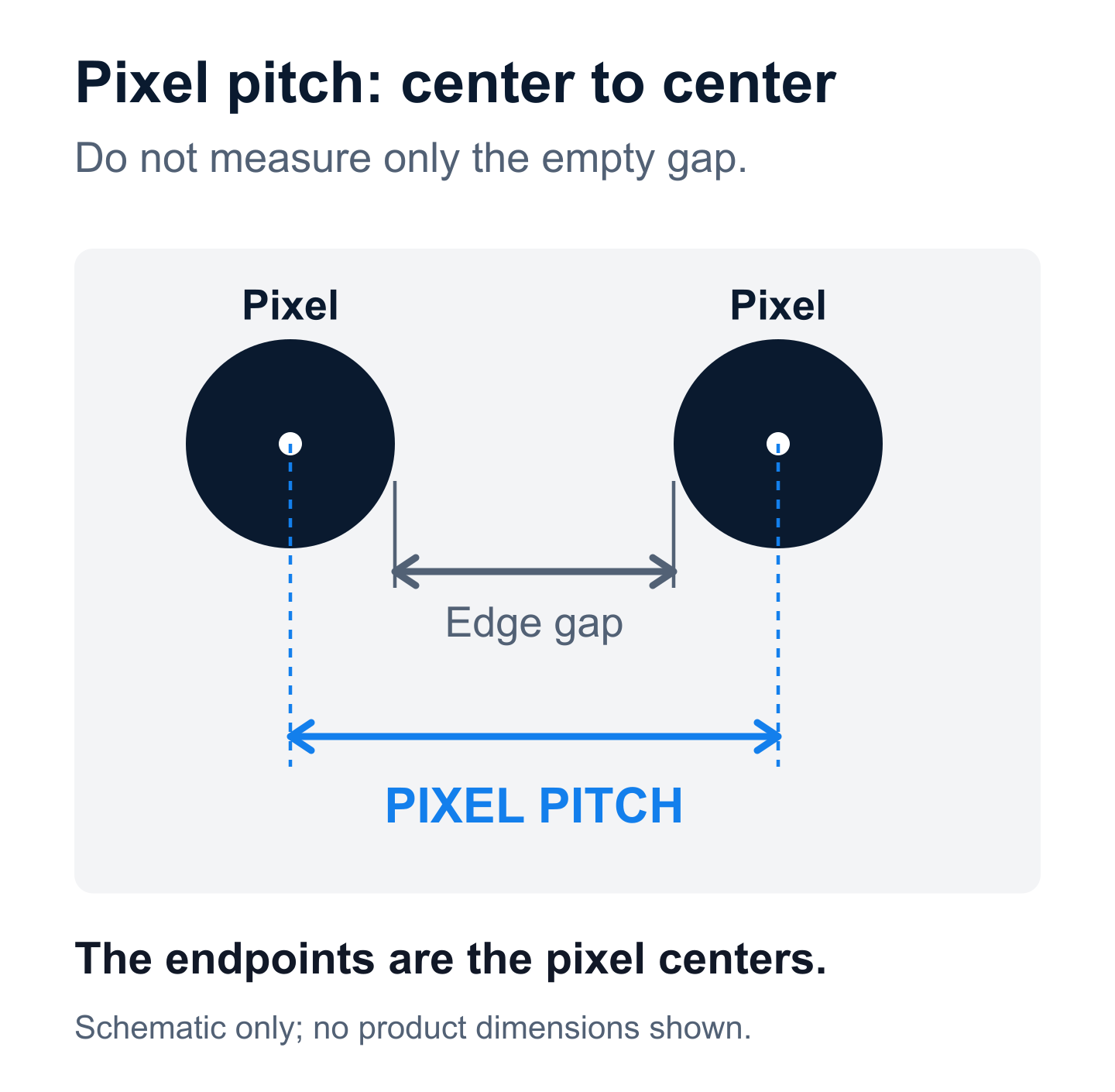
P1.5 normally refers to a nominal pitch of 1.5 mm; P2.5 refers to 2.5 mm. The measurement runs between pixel centers, not across the empty black space between LEDs. Check the exact product specification because marketed pitch names can be rounded.
Planar’s explanation of pixel pitch connects closer spacing with greater pixel density and closer viewing. That is useful, but pitch does not specify every aspect of the image: brightness, contrast, calibration, viewing angle, processing, and the content itself also matter.
“Fine pitch” is a category description, not an acceptance test. Likewise, “supports 4K” may describe the input processor rather than the number of physical pixels on the wall. Ask for the native horizontal and vertical resolution of the assembled display.
Why viewing-distance rules give different answers
Rules of thumb are screening tools. They do not all answer the same question. Christie describes a starting guideline of roughly one meter per millimeter of pitch. Planar discusses several methods, including pitch multiplied by 10 for an approximate distance in feet and a visual-acuity calculation. These are not interchangeable guarantees that small text will be readable.
| Question | What to check | What the result does not prove |
|---|---|---|
| Can I see individual pixels? | Inspect the surface from the nearest normal viewing position. | Invisible pixels do not guarantee readable small text. |
| Can I understand the message? | Read the smallest important text and distinguish meaningful details. | A readable headline does not validate a dense dashboard. |
| Does the wall look right on camera? | Test the planned camera, lens, framing, motion, and exposure. | A good naked-eye image does not guarantee a clean recorded image. |
For a P2 display, the one-meter guideline suggests about 2 m (6.6 ft), while the 10× rule suggests about 20 ft (6.1 m). The difference is a reason to define the task, not to average the two numbers. Specify where people actually stop to read, including the nearest accessible position and the farthest important seat.
Calculate native resolution before comparing quotes
Use millimeters for both wall dimensions and pitch:
Horizontal pixels ≈ active width in mm ÷ pitch in mm
Vertical pixels ≈ active height in mm ÷ pitch in mm
The following is an idealized calculation for an active image area 3.84 m wide × 2.16 m high, approximately 12.6 × 7.1 ft. It is not a claim that every manufacturer sells these exact cabinet combinations.
| Pitch | Calculation | Native resolution | Total pixels |
|---|---|---|---|
| 1.0 mm | 3,840 ÷ 1; 2,160 ÷ 1 | 3,840 × 2,160 | 8,294,400 |
| 1.5 mm | 3,840 ÷ 1.5; 2,160 ÷ 1.5 | 2,560 × 1,440 | 3,686,400 |
| 2.0 mm | 3,840 ÷ 2; 2,160 ÷ 2 | 1,920 × 1,080 | 2,073,600 |
| 2.5 mm | 3,840 ÷ 2.5; 2,160 ÷ 2.5 | 1,536 × 864 | 1,327,104 |
The P2 version can accept a 4K source through a suitable processor, but it still has only 1,920 × 1,080 physical pixels. Scaling cannot create the missing display pixels. The P1 version has four times as many pixels as P2 at this size; that does not mean its complete installed price is exactly four times higher.
For the final specification, use the manufacturer’s module pixel dimensions multiplied by the number of modules. This avoids errors from rounded pitch names, cabinet dimensions, and active-area assumptions. Confirm whether quoted width includes trim or only illuminated area.
Apply the calculation to your actual content
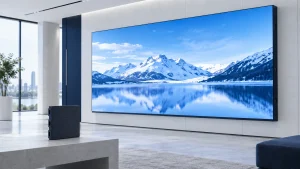
A lobby with large headlines and moving images
Bring a representative playlist, not only a vendor’s demonstration reel. Check whether visitors can understand the message before walking past it. If both shortlisted pitches pass at the real viewing positions, compare service access, brightness control, warranty scope, and installed cost before paying for additional pixels.
A control room with multiple information windows
Evaluate each information window, not just the wall-wide resolution. On a 1,920 × 1,080 wall, four equal windows in a two-by-two arrangement have roughly 960 × 540 pixels each before borders or interface elements. A detailed 1080p dashboard scaled into one window may lose important detail. Test the final layout at the operators’ seats.
A long, shallow wall
A 6 m × 1.5 m active area at an exact 2 mm pitch would calculate to 3,000 × 750 pixels. That is a 4:1 canvas, not 16:9. Filling it with ordinary 16:9 video requires cropping, stretching, or unused space. Create content for the actual canvas and review critical text within it; “high resolution” alone does not solve an aspect-ratio mismatch.
If cameras will see the wall, add a separate test
As Brompton explains in its camera-artifact guidance, a periodic LED pixel grid can interact with a camera’s sampling pattern, producing moiré. Camera position, lens, focus, framing, and display behavior can all affect the result. Do not accept a promise that a particular pitch or refresh-rate number eliminates every camera artifact.
For a meeting room, test the conferencing camera at its normal settings. For production work, involve the camera and LED-processing teams. Record real movement and representative imagery, then inspect the recording as well as the live monitor. A phone snapshot from a showroom is not a substitute for the intended camera workflow.
Turn your choice into an acceptance checklist
- Geometry: record active image size, cabinet layout, exact native resolution, and source aspect ratio.
- Viewing positions: mark the nearest and farthest task-relevant locations, including off-axis seats.
- Content: use the smallest required text, real layouts, and normal operating brightness.
- Processing: verify the intended source resolution, scaling mode, and multi-window arrangement.
- Outcome: have representative viewers perform a defined task, such as reading a room number or comparing dashboard values.
- Record: keep the tested model, settings, content version, positions, and agreed pass criteria with the quote.
Keep the criteria practical. “Looks good” is difficult to resolve later; “the intended users can read these required labels from these seats under normal lighting” is a test you can repeat.
Common pixel-pitch questions
Is a smaller pixel pitch always better?
It provides more physical pixels at a fixed size, but those pixels may not improve the task enough to justify the cost. Compare candidates that meet the requirement, not just their smallest number.
What pitch do I need for a 4K LED wall?
For 3,840 horizontal native pixels, active width in millimeters divided by 3,840 gives the ideal pitch. At 3,840 mm wide, that is 1 mm. At 7,680 mm wide, it is 2 mm. Both height and the real module layout must also match the intended resolution.
Can I choose from viewing distance alone?
No. Use distance to shortlist options, native resolution to check content capacity, and a real-content demonstration to make the decision. Those three checks answer different questions and work best together.