A digital signage installation is complete when the right content reliably reaches the right screen—and someone knows how to recover it. Plan the site, mounting, power, network, player, and content workflow together. Then test startup, publishing, outages, and handover before calling the job finished.
This guide focuses on fixed indoor signage such as lobby displays, menu boards, and workplace screens. Outdoor pylons, suspended displays, large LED walls, and unusual structures need a project-specific engineering and installation plan. A small indoor-screen checklist is not a substitute for that work.
Define the installation scope and who owns each part
“Install the screen” can mean hanging hardware, configuring a player, or delivering a fully operational service. Resolve that ambiguity before scheduling a crew.
| Workstream | Typical owner | Required handoff |
|---|---|---|
| Location and viewing task | Site or communications owner | Approved position, audience, content, and operating hours |
| Mounting and site work | Qualified installer / relevant trades | Approved mounting solution, access, and safe completion |
| Network and device access | IT | Approved connectivity, enrollment, security configuration, and recovery access |
| CMS and publishing | Content administrator | Correct screen group, account roles, schedule, and fallback content |
| Ongoing support | Named support team | Asset record, escalation path, and tested recovery procedure |
One provider may cover several rows. What matters is that no task falls between “the installer’s job” and “IT’s job.” Put exclusions in the work order, especially new power, cabling, wall reinforcement, network changes, and after-hours access.
Survey the location before buying mounts or running cables
Start where the audience will stand or sit. Check sightlines, glare at the hours the sign will be used, and whether people have enough time to read the message. A screen that looks clear in an empty room may be blocked by a queue or washed out beside a bright window.
- Display: exact model, weight, mounting interface, allowed orientation, and intended operating schedule.
- Location: wall or support structure, nearby equipment, public access, and service access.
- Environment: light, heat, dust, moisture, and the manufacturer’s ventilation requirements.
- Services: suitable power, network route, signal route, and equipment storage.
- Operations: working hours, shutdown windows, delivery route, and who grants access.
- Content: actual orientation, aspect ratio, smallest text, and whether audio is appropriate.
Photograph the location and record dimensions, but have qualified personnel assess structural and electrical suitability. Do not choose anchors, fasteners, circuits, or enclosure ventilation from a generic online diagram. Follow the equipment instructions and applicable local requirements.
Stage the complete playback system before mounting it
A signage system may use a compatible app on a display’s built-in platform, an external player, or a managed browser device. ScreenCloud’s installation guide distinguishes integrated playback from external-player arrangements and covers power, network connection, and CMS pairing. The supported models and steps remain platform-specific.
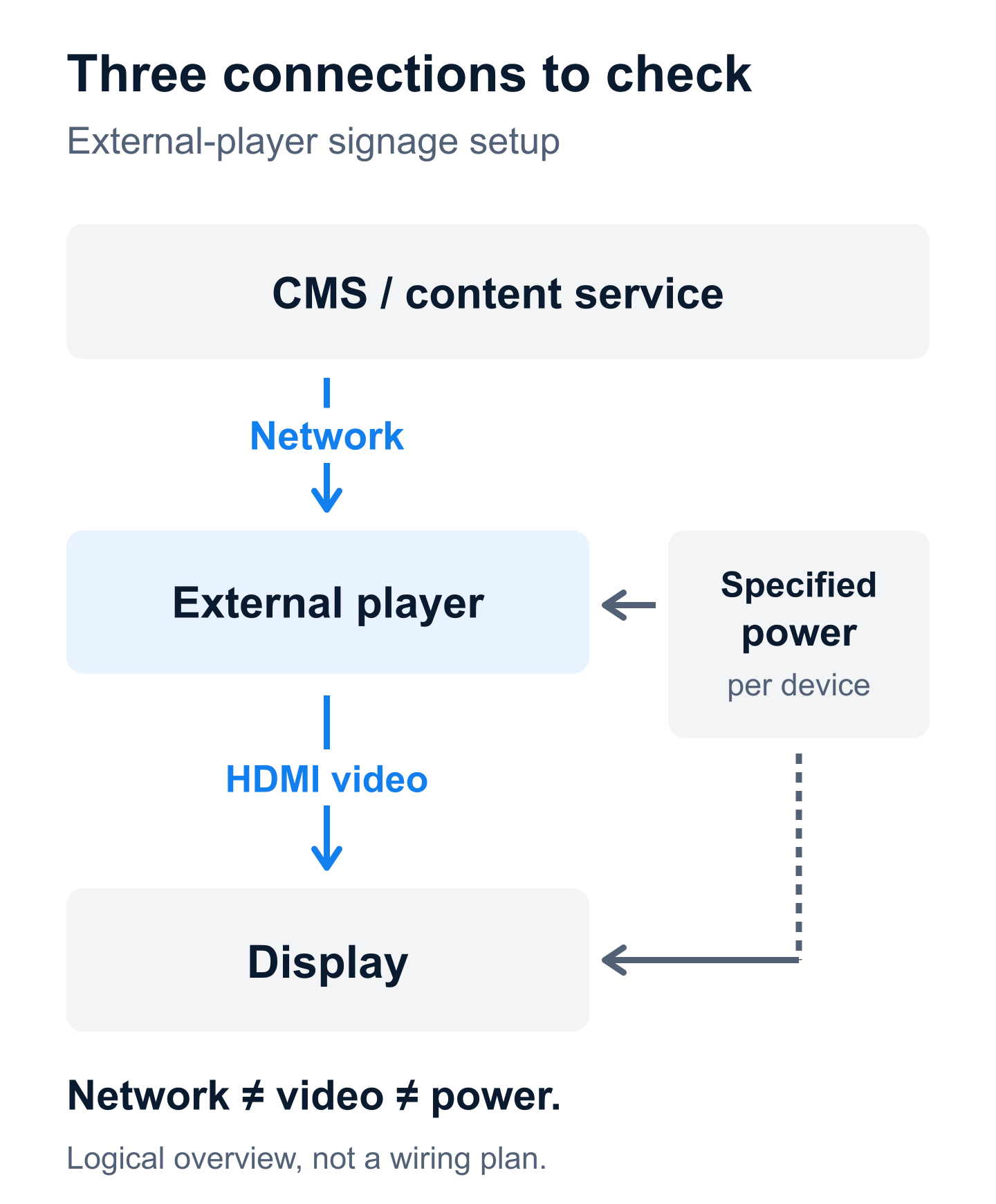
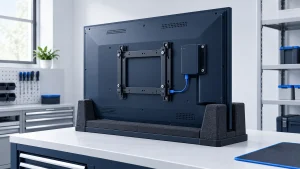
Assemble the intended combination on a safe test bench. Update supported software, enroll the device, load representative content, and verify the planned video format. Check portrait rotation, overscan or image cropping, audio settings, and the input selected after restart.
Use the player’s specified power source. A display’s USB port should not be assumed to provide the required power or remain active when the display is off. Likewise, browser-based signage still needs a supported physical device and an appropriate restart strategy; “no extra player” does not mean “no hardware to manage.”
Label each player and display with a unique asset name tied to its destination. For several identical screens, confirm the mapping before devices leave the bench. A perfectly installed screen showing another location’s prices is still an installation failure.
Coordinate mounting, power, and service access
Use mounting equipment suitable for the exact display and substrate. Follow the display and mount manufacturers’ instructions, including orientation and clearances. Have qualified personnel perform work involving structural support, electrical changes, lifting, or work at height.
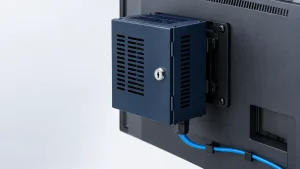
Leave a practical way to reach replaceable equipment and connections. A player hidden behind a flush display may look tidy but become expensive to replace if the entire screen must be removed. Secure cables without pulling on connectors, obstructing ventilation, or preventing required service movement.
Before closing access panels, record equipment serial numbers, connection labels, and the finished cable route. Keep private network details and credentials out of photographs intended for public use. Finish the physical inspection before handing the system to the publishing team.
Prepare the network and publishing permissions
Ask the signage provider for the current connectivity requirements and give them to IT. That includes the required destinations, protocols, and any proxy or certificate requirements. Do not disable a firewall broadly just to make a player appear online.
Test the actual network path at the installation position. Wi-Fi availability elsewhere in the room does not establish reliable reception behind a metal display. If using wired networking, confirm the actual port is enabled and assigned to the approved network.
Check device time, time zone, and scheduling behavior. Enroll the screen into the correct location group, restrict who can publish to that group, and remove temporary installer access when it is no longer needed. Use organization-controlled accounts rather than leaving the system under an individual contractor’s personal login.
Commission against observable results
Agree on the expected behavior before testing. Perform outage and restart tests in an approved maintenance window using the manufacturer’s procedures; do not interrupt occupied critical displays or improvise electrical disconnection.
| Test | Expected result | Evidence to retain |
|---|---|---|
| Normal startup | The intended input and approved content resume without an onsite login. | Observed sequence and any manual dependency |
| Remote content update | A uniquely identifiable test message reaches only the intended screen. | Screen identity, message version, publication time, and visual confirmation |
| Scheduled change | Content changes at the agreed local time. | Time-zone setting and observed transition |
| Approved network interruption | Cached or neutral fallback content behaves as specified; no confidential desktop appears. | Which content works offline and which does not |
| Connectivity recovery | The screen reconnects and receives the current approved content. | Recovery time and any required intervention |
| Readability | Representative viewers can read required information under normal lighting. | Viewing positions, content version, and issues found |
| Remote support | The support owner can identify the device and follow the approved recovery route. | Support record and escalation contacts |
Not every content type survives an outage. A downloaded image, a live web page, and an authenticated dashboard can behave differently. Test each content type you intend to use. An “online” status in the CMS is helpful, but it does not prove the physical display is on, on the correct input, or readable.
Hand over an operable service, not just equipment
Deliver the asset list, approved configuration, warranty details, support contacts, and a short recovery guide. Transfer secrets through the organization’s approved credential system—not a shared spreadsheet or a PDF attached to every work order.
Train the actual content owner to publish a change, correct a mistaken schedule, and identify a screen. Train the support owner to distinguish a display problem from a player, network, or content problem. Keep an agreed fallback message ready before a failure occurs.
For multiple sites, pilot one representative location and resolve its issues before repeating the design. A consistent checklist is useful, but each site still needs its own survey and acceptance record.
Common installation questions
Can I install digital signage myself?
You may be able to configure a supported player and content account. That does not establish that you can safely mount a heavy display or modify building services. Separate software setup from physical work and use qualified help where needed.
Do I need a separate media player?
Not always. Confirm that the exact display platform supports your CMS, content types, management needs, and recovery behavior. Otherwise, an external player may be appropriate.
How long should installation take?
There is no useful universal number. A prepared room with staged equipment differs from a site needing structural, electrical, and network work. Ask for a schedule that separates preparation, physical installation, configuration, testing, and handover.